Tutorial – Como Criar Transição de Hora e Clima no Neuriz (Veo 3.1)
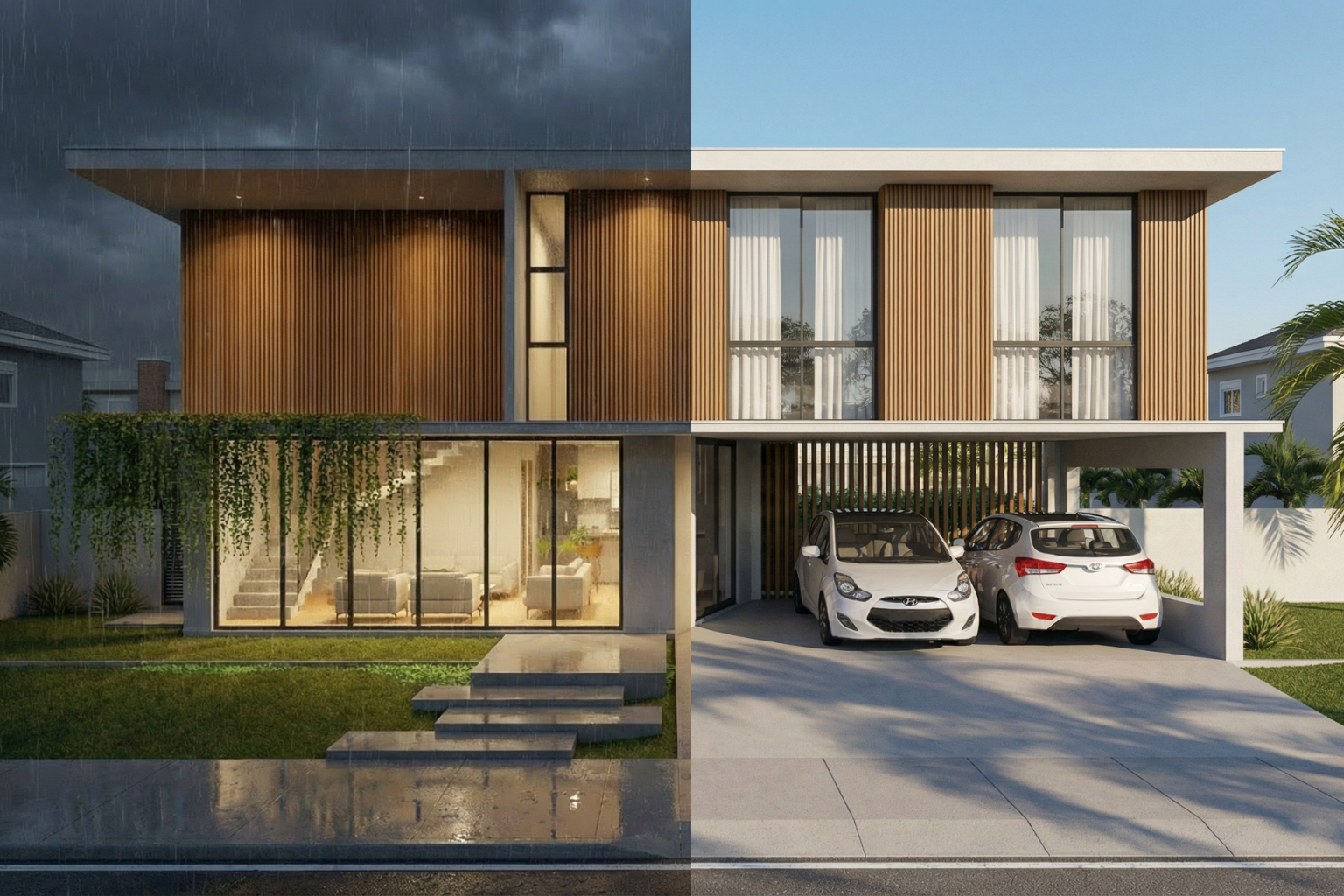
Este tutorial ensina como transformar duas imagens estáticas (ex: dia → noite) em um vídeo cinematográfico de 8 segundos usando o Veo 3.1 dentro do Neuriz.
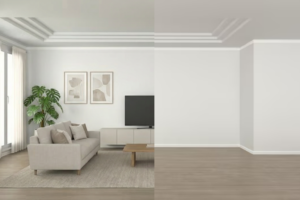
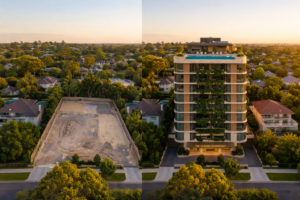
Antes de iniciar, é necessário ter dois renders: um para o estado inicial e outro para o estado final da transição. Se ainda não tiver essas imagens, siga o tutorial abaixo para criá-las.
🛠 PASSO 1 — Acessar a Função Vídeo
- Acesse neuriz.com
- Faça login
- No menu lateral esquerdo, clique em 🎥 Vídeo
Você verá a tela de criação de vídeos com IA.
🧠 PASSO 2 — Escolher o Modelo
- Selecione o modelo: 👉 Veo 3.1
Esse modelo é ideal para transições realistas e evolução de iluminação/clima.
🖼 PASSO 3 — Upload das Imagens
- Faça upload da primeira imagem (render inicial)
- O vídeo começará exatamente nela.
- Faça upload da segunda imagem (render final)
- O vídeo terminará exatamente nela.
⚠️ Importante:
- Mesmo enquadramento
- Mesma câmera
- Mesma perspectiva
- Mesma resolução
Isso evita distorção.
⚙️ PASSO 4 — Configurações
Configure exatamente assim:
📐 Proporção
Escolha uma:
- 16:9 → YouTube, site, portfólio
- 9:16 → Reels, TikTok, Shorts
⏱ Duração
Defina:
👉 8 segundos
🔊 With Audio
Defina:
👉 True
Isso adicionará áudio automático ao vídeo.
✍️ PASSO 5 — Cole o Prompt
No campo de prompt, cole:
Create a smooth cinematic environmental transition between two static images.The video must start EXACTLY from the first image and gradually transition to match EXACTLY the second image.The camera must remain completely fixed with no movement, no zoom, no angle change.Gradually transform the environmental conditions including:
- Time of day
- Sky color and brightness
- Sun position and light intensity
- Shadows direction and softness
- Weather conditions (clouds, rain, fog, haze, etc.)
- Ambient atmosphere
- Reflections and surface lighting
- Artificial lights if presentLighting must evolve naturally and physically accurately.
No morph distortion of the building or structure.
No geometry changes.
No object deformation.
Only atmospheric and lighting transformation.The final frame must match the second image perfectly.Ultra-realistic, cinematic, smooth transition.
No flickering.
No artifacts.
Duration 8 seconds.
4K quality.
🚀 PASSO 6 — Gerar
Revise:
✔ Veo 3.1 selecionado
✔ 2 imagens carregadas
✔ Proporção escolhida
✔ Duração = 8s
✔ With Audio = True
✔ Prompt colado
Agora clique em:
👉 Gerar Vídeo
🎬 Resultado Esperado
O vídeo irá:
- Começar idêntico à primeira imagem
- Evoluir gradualmente iluminação e clima
- Transformar céu e atmosfera naturalmente
- Acender luzes se for noite
- Finalizar exatamente igual à segunda imagem
- Incluir áudio automaticamente






Publicar comentário