Tutorial: Editar Desenhos Realistas na Neuriz Com IA
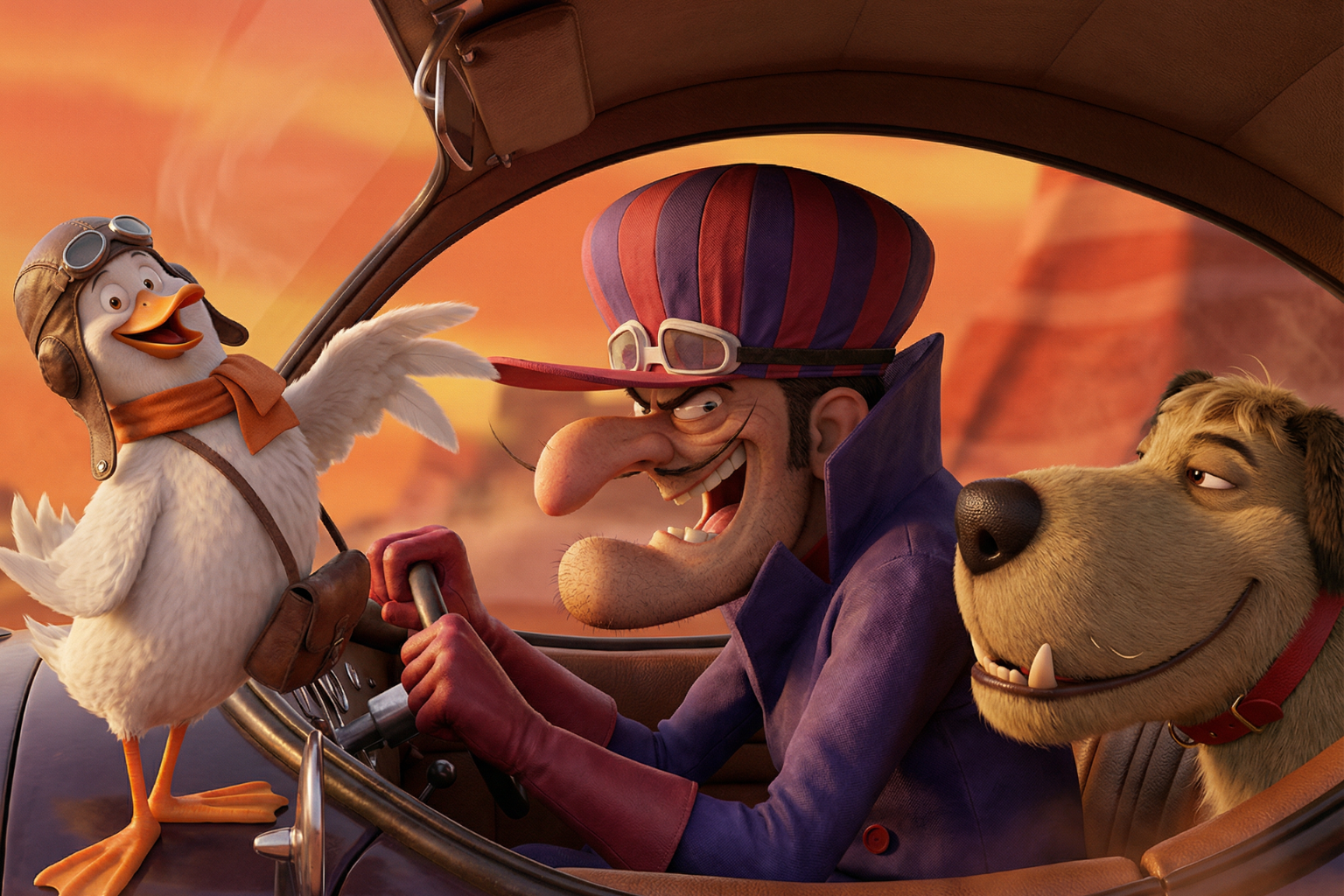
1️⃣ Acesse a plataforma
Entre no site:
➡️ neuriz.com
Faça login na sua conta.
2️⃣ Vá até o menu de imagens
No painel da plataforma:
- Clique em Menu → Imagem
- Faça upload da imagem ou desenho que deseja transformar em foto realista.
3️⃣ Escolha o modelo de IA
Selecione o modelo de IA disponível na plataforma.
Cada modelo pode gerar resultados um pouco diferentes, então você pode testar mais de um para encontrar o melhor resultado.
4️⃣ Defina a proporção
No campo Proporção (Aspect Ratio) você pode:
- escolher uma proporção específica (ex: 16:9, 1:1, 4:5)
ou - deixar em branco para manter a mesma proporção da imagem original.
5️⃣ Escolha a resolução
No campo Resolução, selecione a qualidade desejada.
Recomendado:
- Alta resolução / 4K
Isso ajuda a gerar texturas mais realistas.
6️⃣ Cole o prompt
No campo Prompt, cole o seguinte texto:
Transform the uploaded image into an ultra-realistic 4K photograph while preserving 100% of the original composition.Maintain exactly the same pose, framing, camera angle, facial features, facial proportions, expression, identity, hairstyle, clothing design, colors, background layout, object positions, perspective, and lighting direction.Do NOT modify, reinterpret, enhance, beautify, stylize, add, remove, or reposition anything. The task is ONLY to convert the existing image into a realistic photograph — not to redesign it.All elements must keep the exact same structure, proportions, and composition as the original image.Apply realistic photographic textures and materials:
- Natural skin texture with subtle pores (no beautification or smoothing)
- Realistic eye moisture and depth
- Individual natural hair strands
- Accurate fabric texture and draping
- True-to-life material surfaces
- Natural lighting consistent with the original light source
- Soft, physically accurate shadows
- Realistic depth of field matching the original focus
- Professional color grading without changing original colors
- Balanced HDR with no dramatic contrast shift
- Subtle real-world imperfectionsStrictly prohibited:
- Changing identity
- Adjusting facial symmetry
- Modifying proportions
- Altering composition
- Improving or stylizing the design
- Adding cinematic reinterpretation
- Changing background elements
- Changing expression
- Changing camera distance
- Applying cartoon, anime, CGI, or artistic styleThe final result must look like a real photograph of the exact same image, as if the original scene was captured with a professional full-frame camera, without any structural or stylistic changes.
7️⃣ Gerar a imagem
Depois de configurar tudo:
Clique em Gerar.
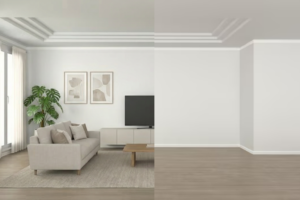
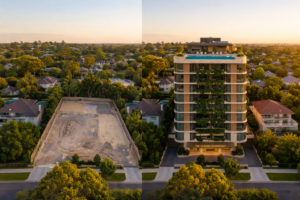
A inteligência artificial irá transformar o desenho em uma fotografia realista, mantendo exatamente a mesma composição da imagem original.
💡 Dica:
Esse prompt funciona muito bem para transformar:
- desenhos
- renders
- personagens
- ilustrações
- artes digitais
em fotos ultra realistas.





Publicar comentário